Home page
Home
Built in ShopifyThe rebuilt home page, top to bottom, as last pushed to the staging theme on 2 Nov.


Home: latest design (2 Nov)
Design draftUpdated 2 NovThe latest design of the home page: one plain top bar above the header, best sellers and aisles 3 across on desktop, bundle cards without empty photo boxes, product photos without calorie badges, and bundle prices in the brand green. The staging home above has these changes since 2 Nov.


Category pages
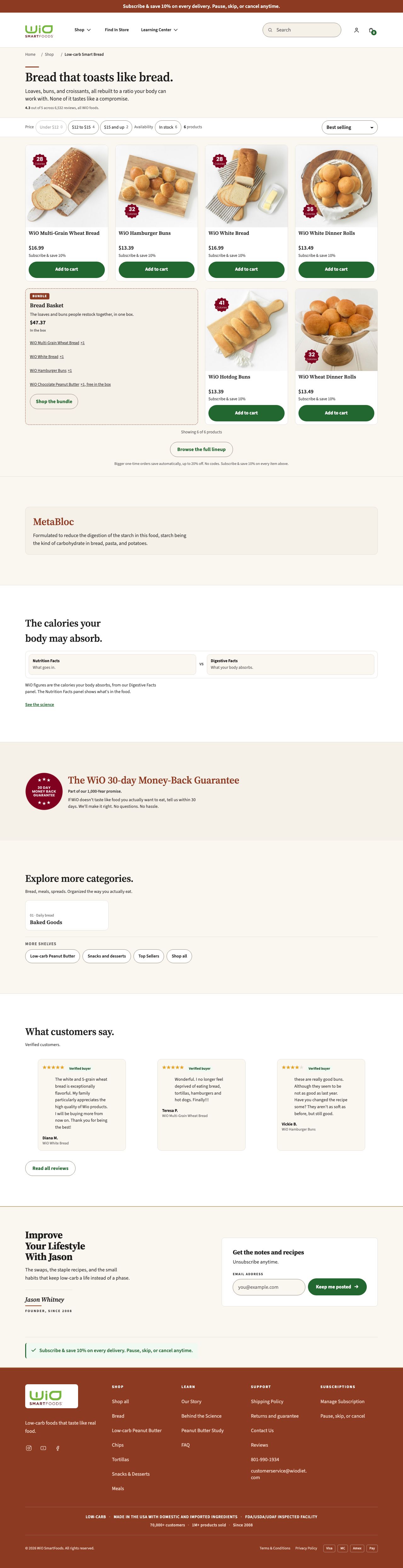
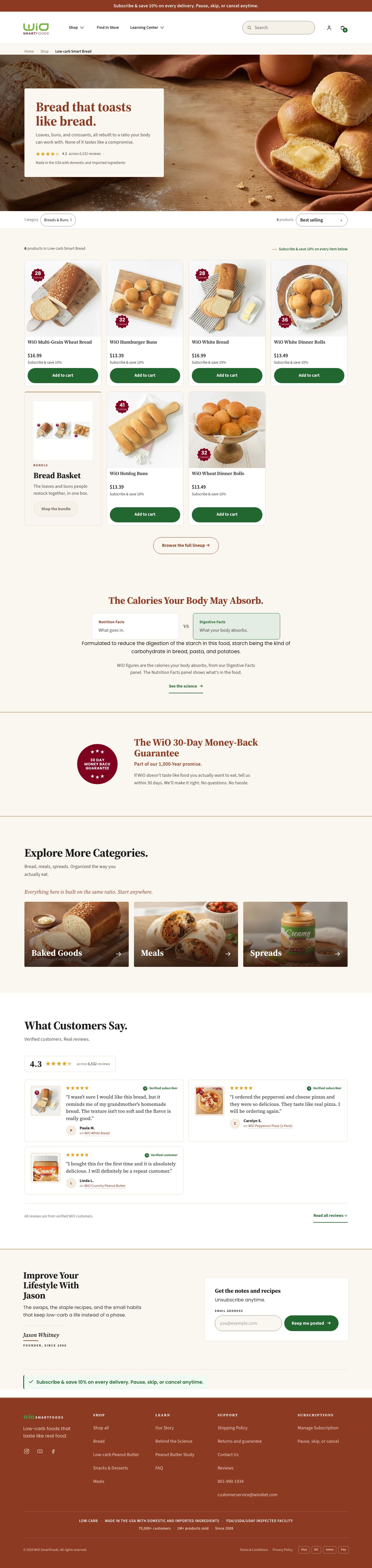
Category: Bread
Design draft + stagingUpdated 2026-10-19One of the category pages, showing the bread lineup.
The design draft shows the latest design. The staging page shows it built in Shopify, with real products and prices.
Latest design draft

In Shopify (staging)

Category: All Products
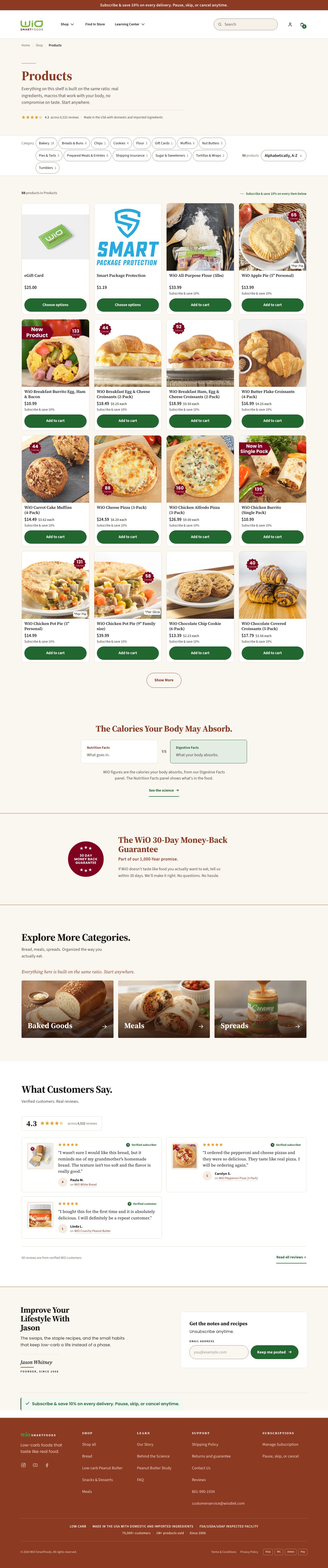
Built in ShopifyThe full catalog page on staging, every product in one grid. The Shop All card below shows its design draft.

Shop All
Design draft + stagingUpdated 2026-10-22The Shop All page: every product on one page, with shelf links. In Shopify it is the All Products page.
The design draft shows the latest design. The staging page shows it built in Shopify, with real products and prices.
Latest design draft


In Shopify (staging)
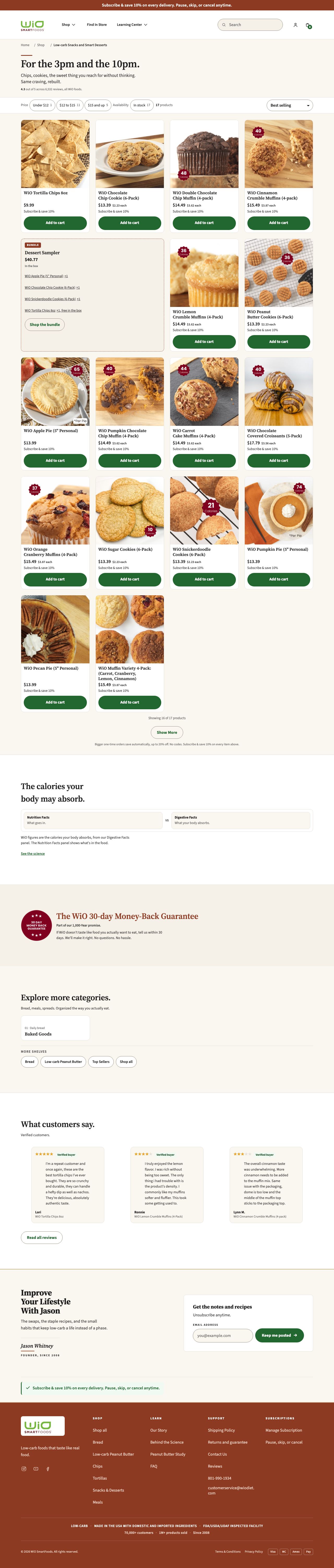
Category: Snacks & Desserts
Design draft + stagingUpdated 2026-10-19The category page for the snacks and desserts lineup.
The design draft shows the latest design. The staging page shows it built in Shopify, with real products and prices.
Latest design draft

In Shopify (staging)


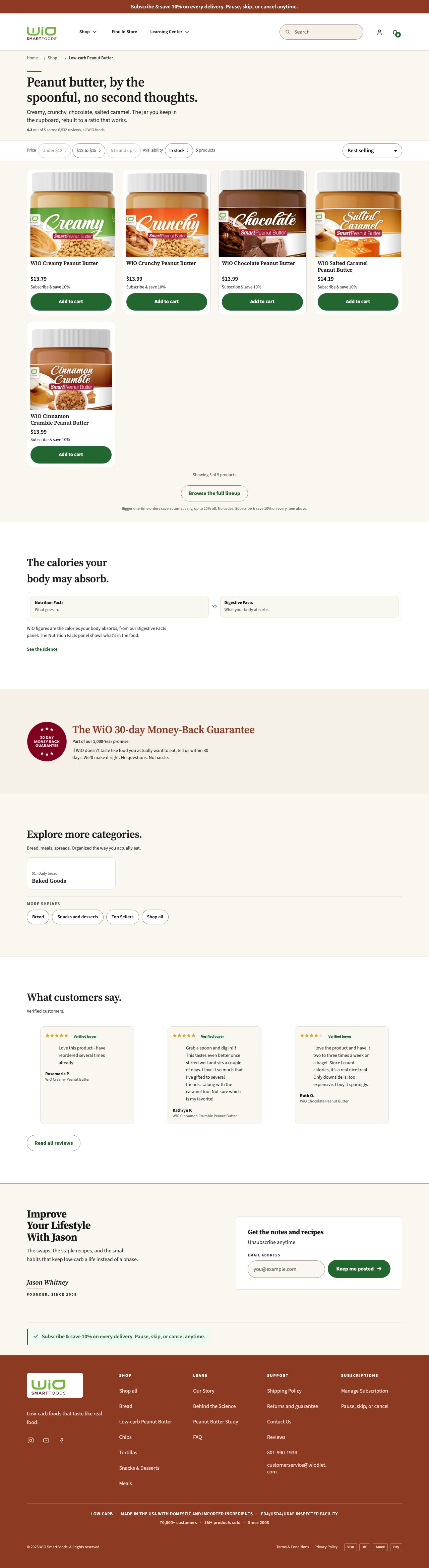
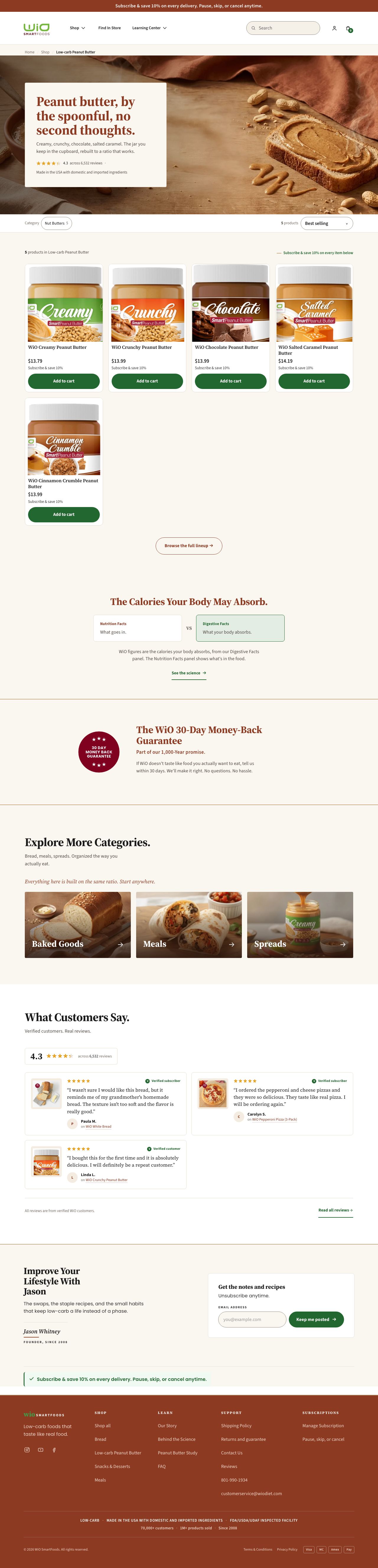
Category: Spreads
Design draft + stagingUpdated 2026-10-19The category page for the spreads lineup.
The design draft shows the latest design. The staging page shows it built in Shopify, with real products and prices.
Latest design draft

In Shopify (staging)

Product pages
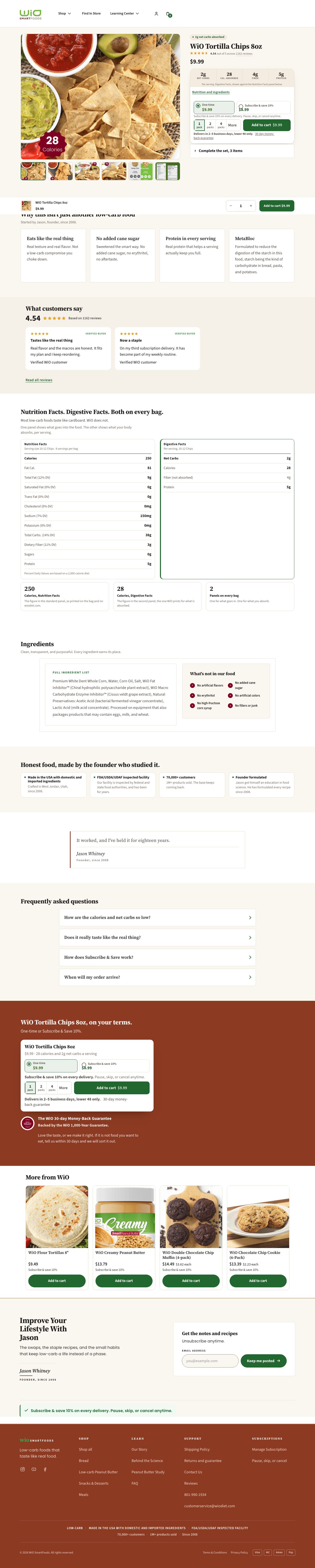
Food product page
Design draft + stagingUpdated 2026-10-19The template used for most packaged food products, such as bread, chips, and crusts.
The design draft is shown on Creamy Peanut Butter. The two staging examples below (Tortilla Chips, Multi-Grain Bread) show the template built in Shopify, with real products and prices.
Latest design draft: Creamy Peanut Butter


In Shopify (staging): Tortilla Chips

In Shopify (staging): Multi-Grain Bread


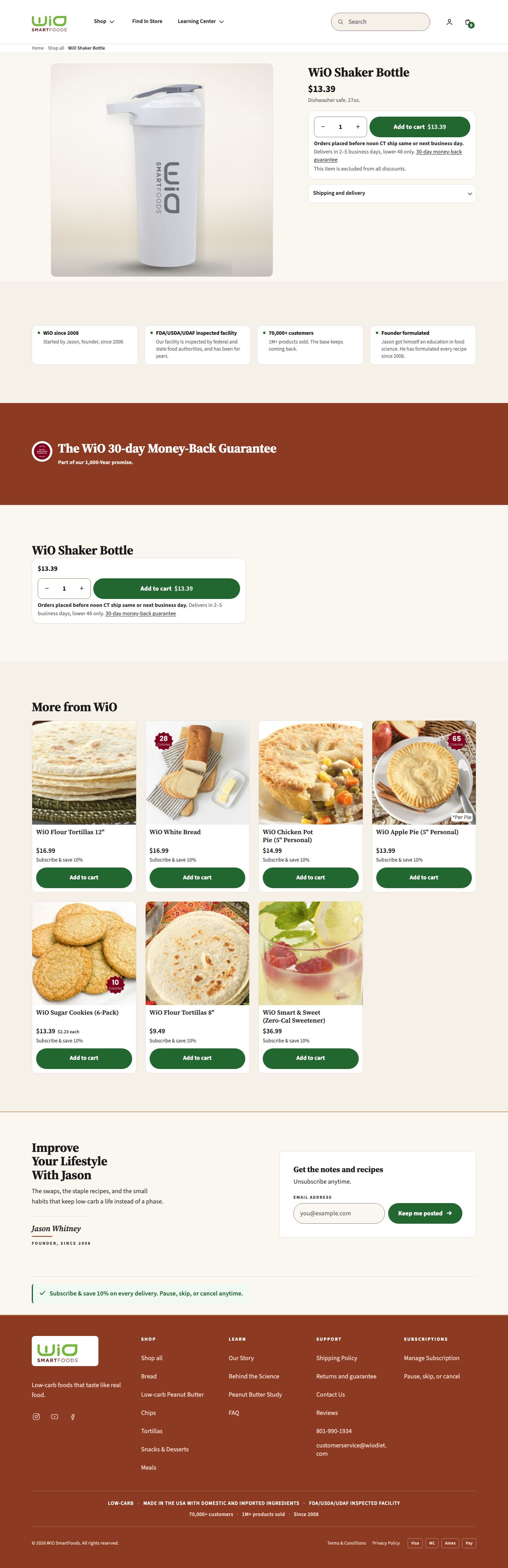
Shaker Bottle (minimal product page)
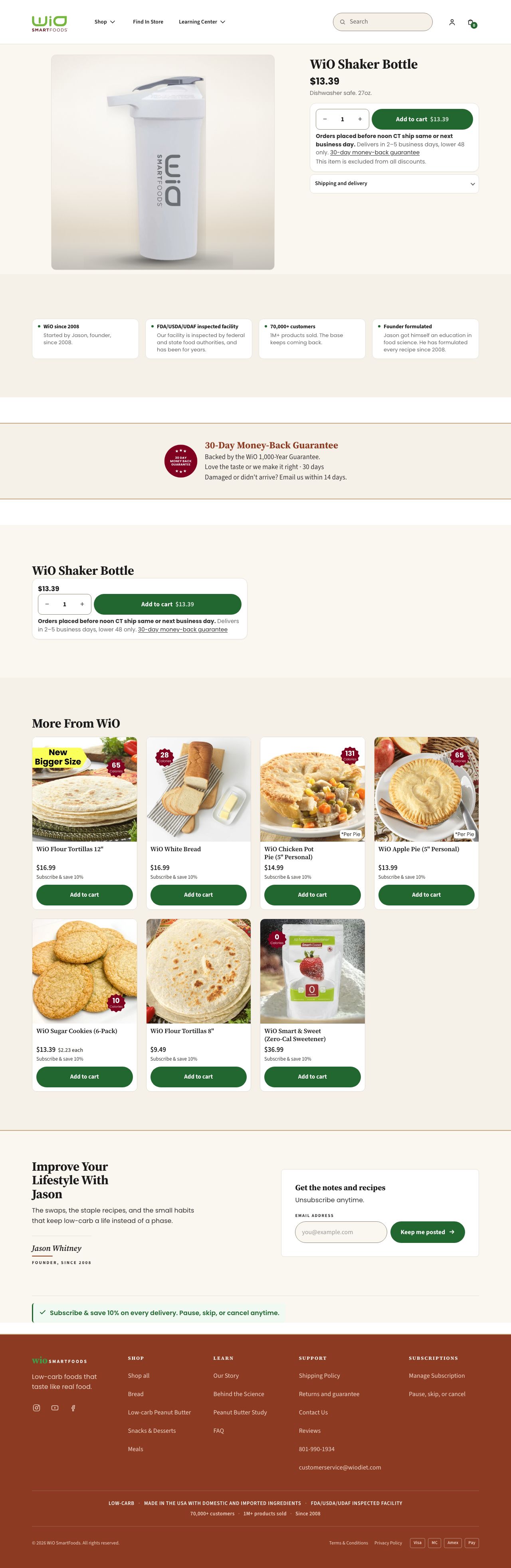
Design draft + stagingUpdated 2026-10-19The minimal product page template, used for the Shaker Bottle.
The design draft shows the latest design. The staging page shows it built in Shopify, with real products and prices.
Latest design draft

In Shopify (staging)

Bundle pages
Staples Starter (bundle product page)
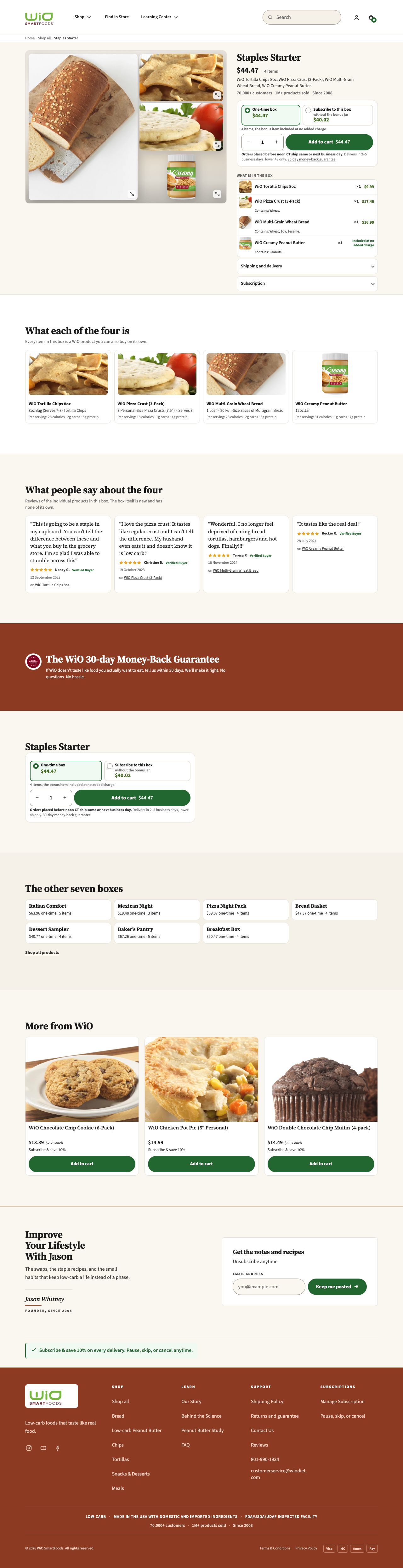
Design draftUpdated 2026-10-19One of the 8 planned bundle product pages. The Shopify version goes live once the bundle products are set up in the store.

Earlier layout options for the home page bundle section are not shown here.
Related reading, not a page in this rebuild: the bundle strategy page prepared for Jason (2026-08-07).
Content pages
Science
Design draft + stagingLatest design (4 Nov)The Science page: how MetaBloc works, the two labels on the bag, the published peanut butter study with its six citations, three common questions, and two ways to start.
The design draft and the staging page show the same page. The staging page shows it built in Shopify, with real products and prices.
Latest design draft


In Shopify (staging)


The Peanut Butter Study
Design draft + stagingLatest design (4 Nov)The Peanut Butter Study page: the published study and how it was run, the two peanut butters, common questions, and six citations.
The design draft and the staging page show the same page. The staging page shows it built in Shopify, with real products and prices.
Latest design draft


In Shopify (staging)


Reviews
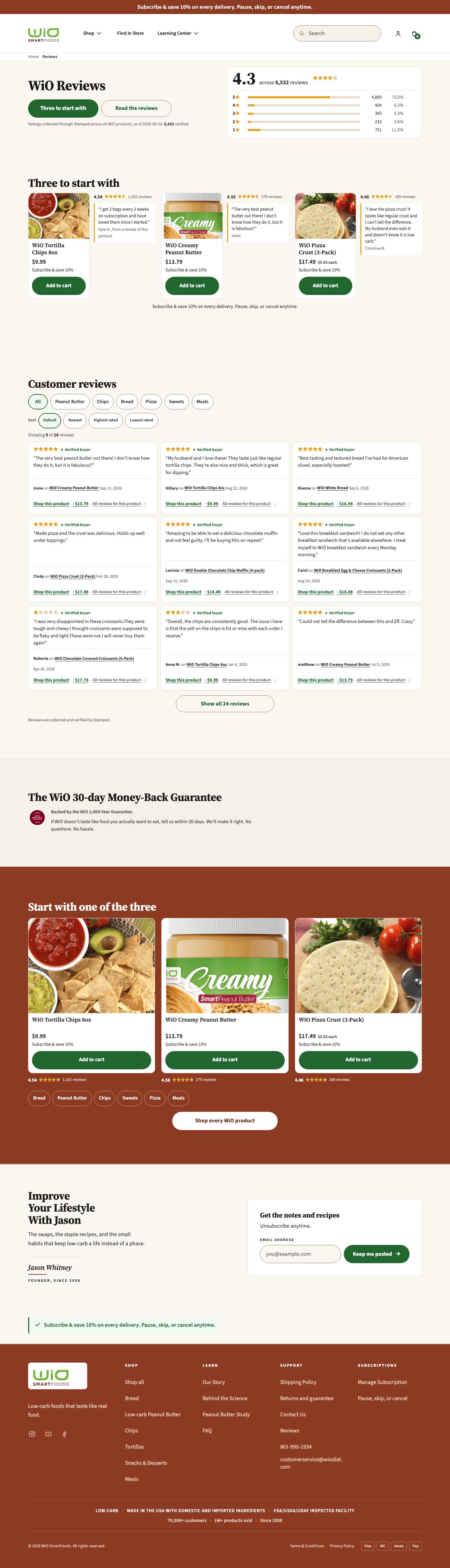
Design draftUpdated 2026-10-19The Reviews page. The page has not been created in Shopify yet, so there is no staging link to show.

How subscriptions work
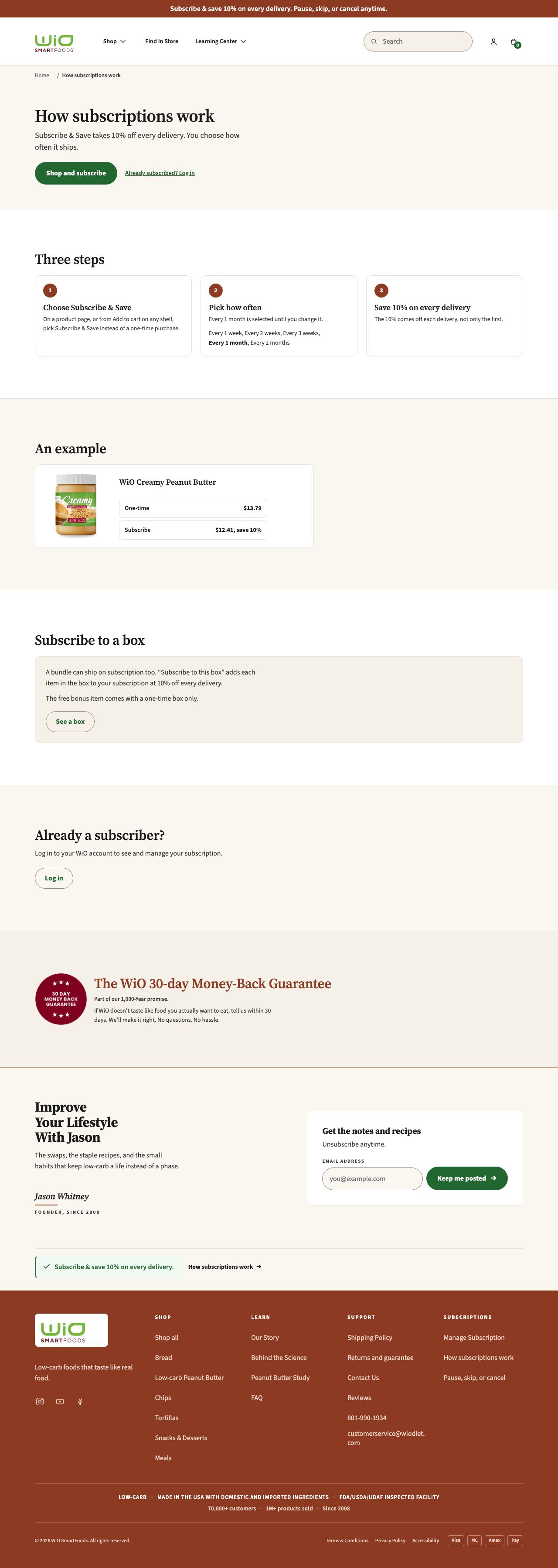
Design draftUpdated 2026-10-19The page that explains how a WiO subscription works. Not built in Shopify yet.

Search and error pages
Search
Design draft + stagingUpdated 2026-10-22The search results page, with the empty and no-results states.
The design draft shows the latest design. The staging page shows it built in Shopify, with real products and prices.
Latest design draft
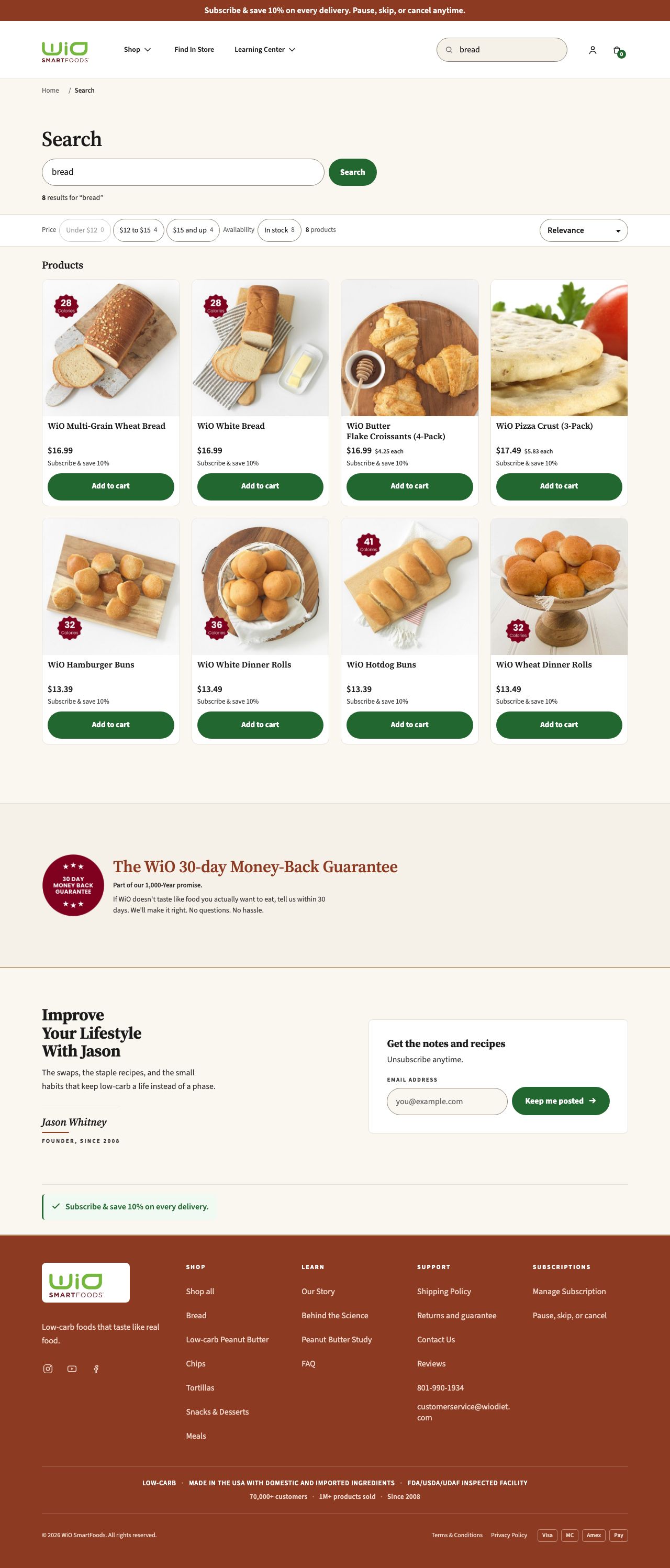

In Shopify (staging)


404 page
Design draft + stagingUpdated 2026-10-19The page shoppers see when a link is broken.
The staging link opens an address that does not exist on purpose, so it shows the 404 page.
Latest design draft
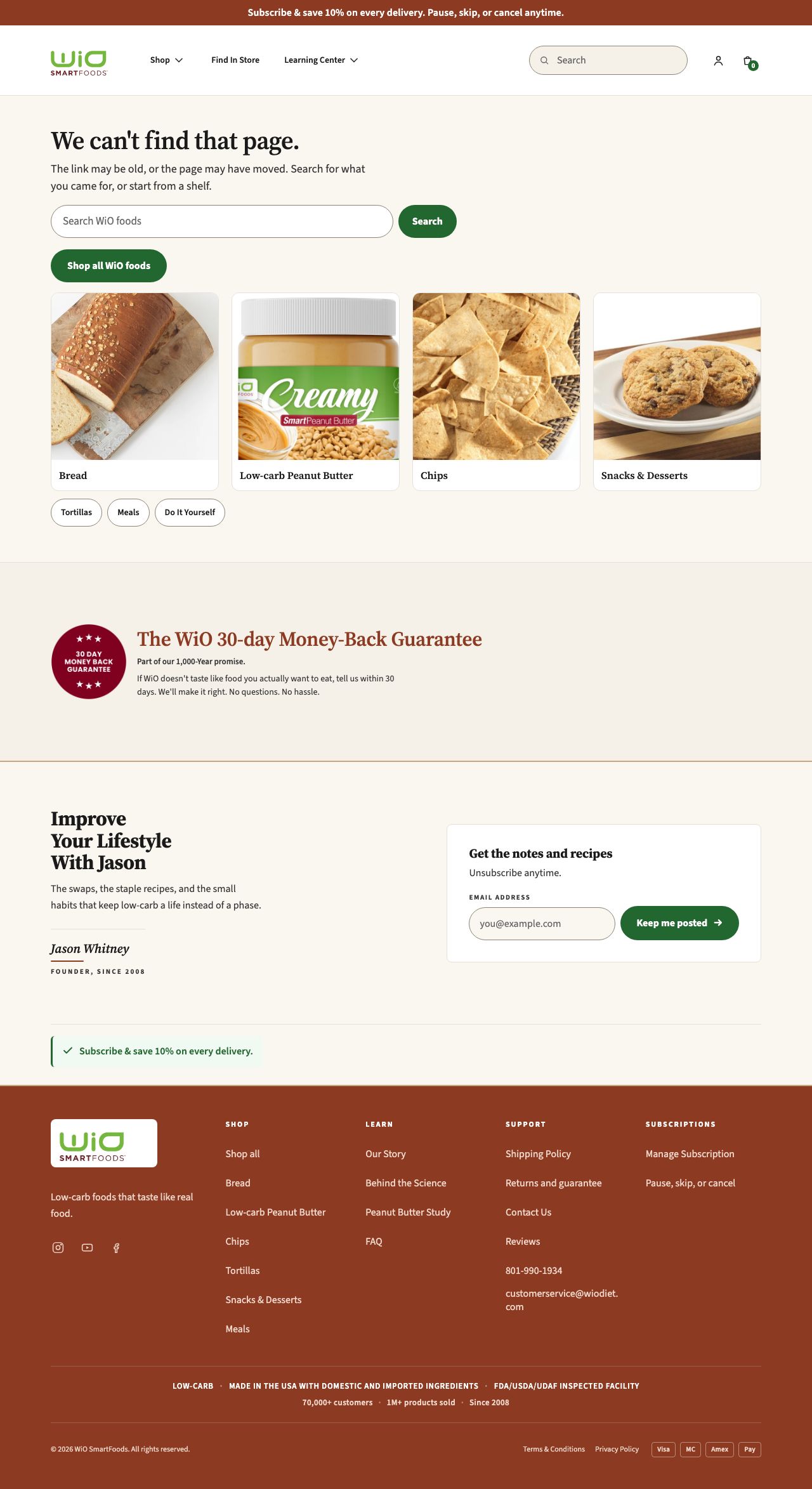

In Shopify (staging)
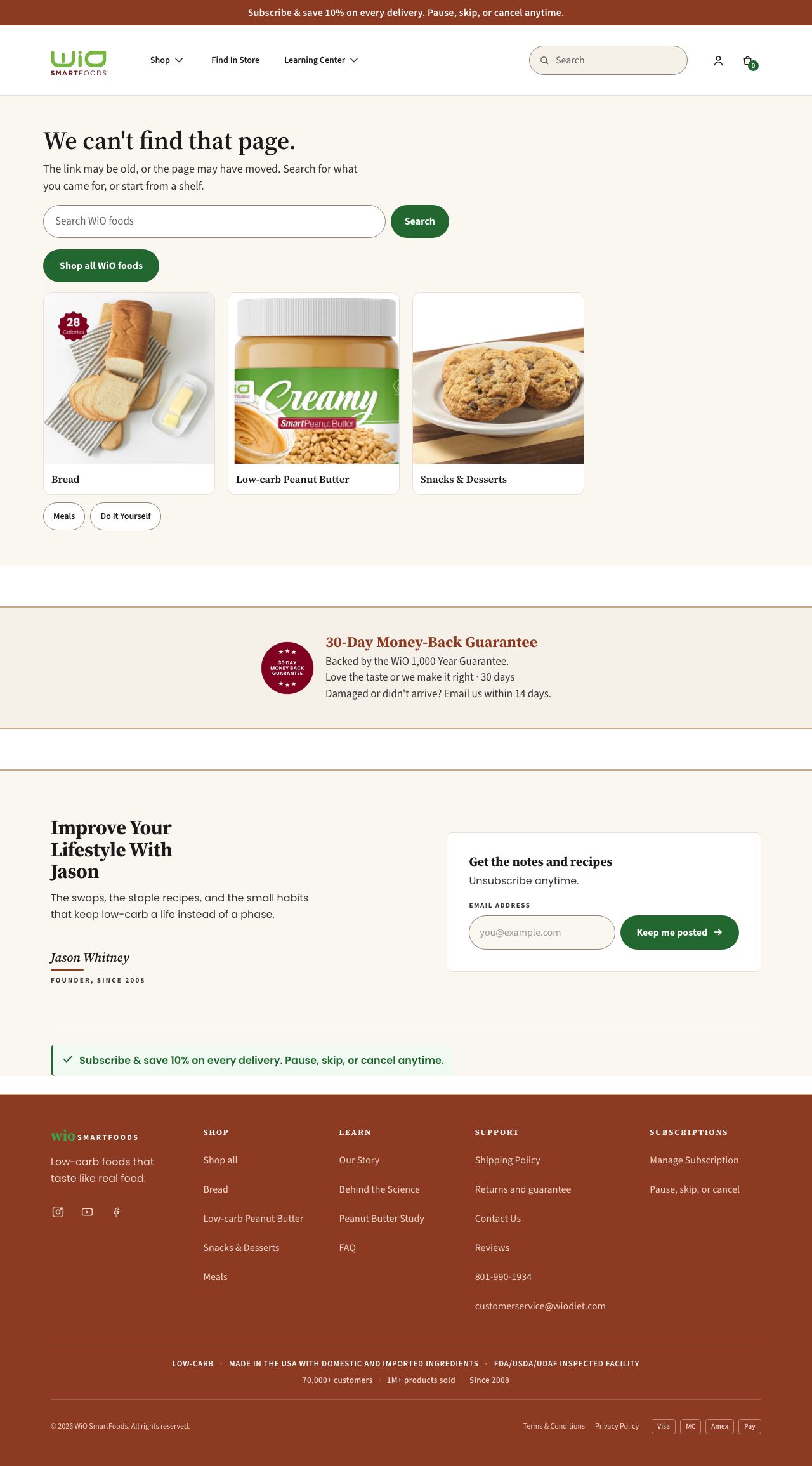

Subscription management (current)
Subscriber portal (functional spec)
Design draftUpdated 2026-10-19The page a subscriber uses to skip, move, change or cancel their deliveries. Every action is clickable, with success and error states. A state switcher at the top of the page shows the other cases.
Latest design draft
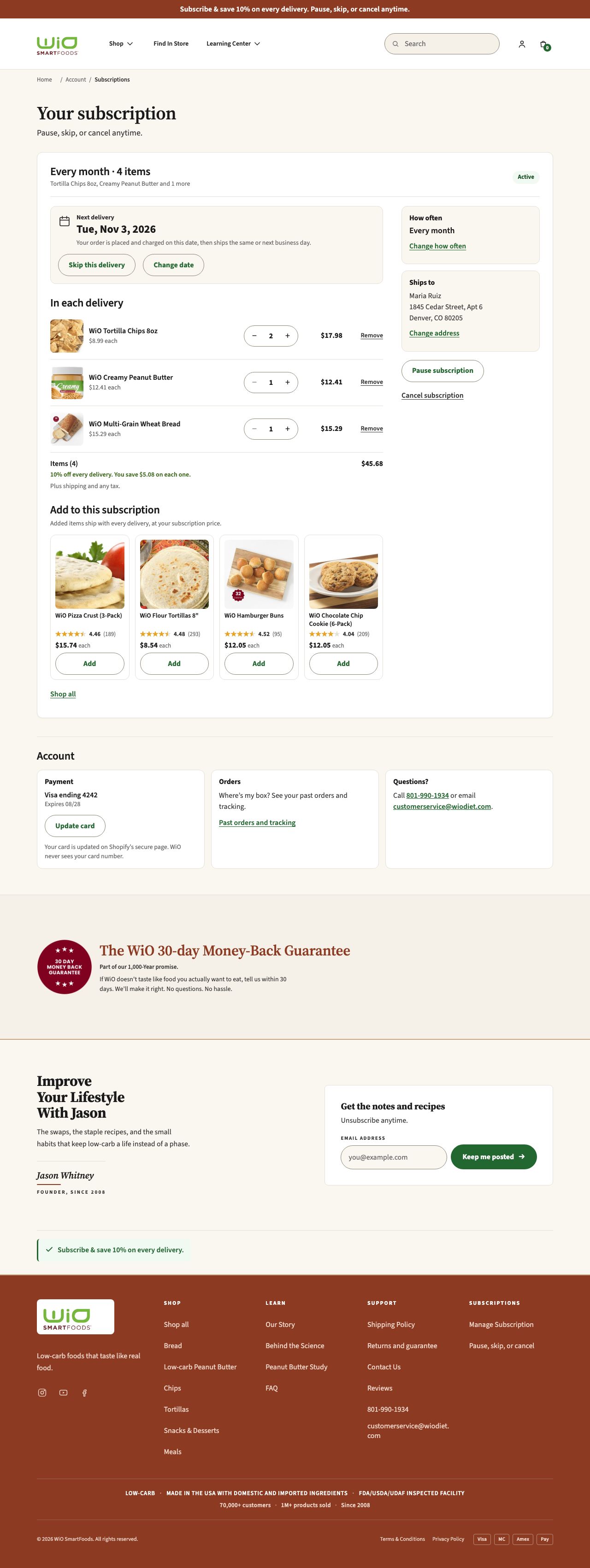

Subscription management
The cards below predate the site's new header and footer and the current content rules. They are shown as built.
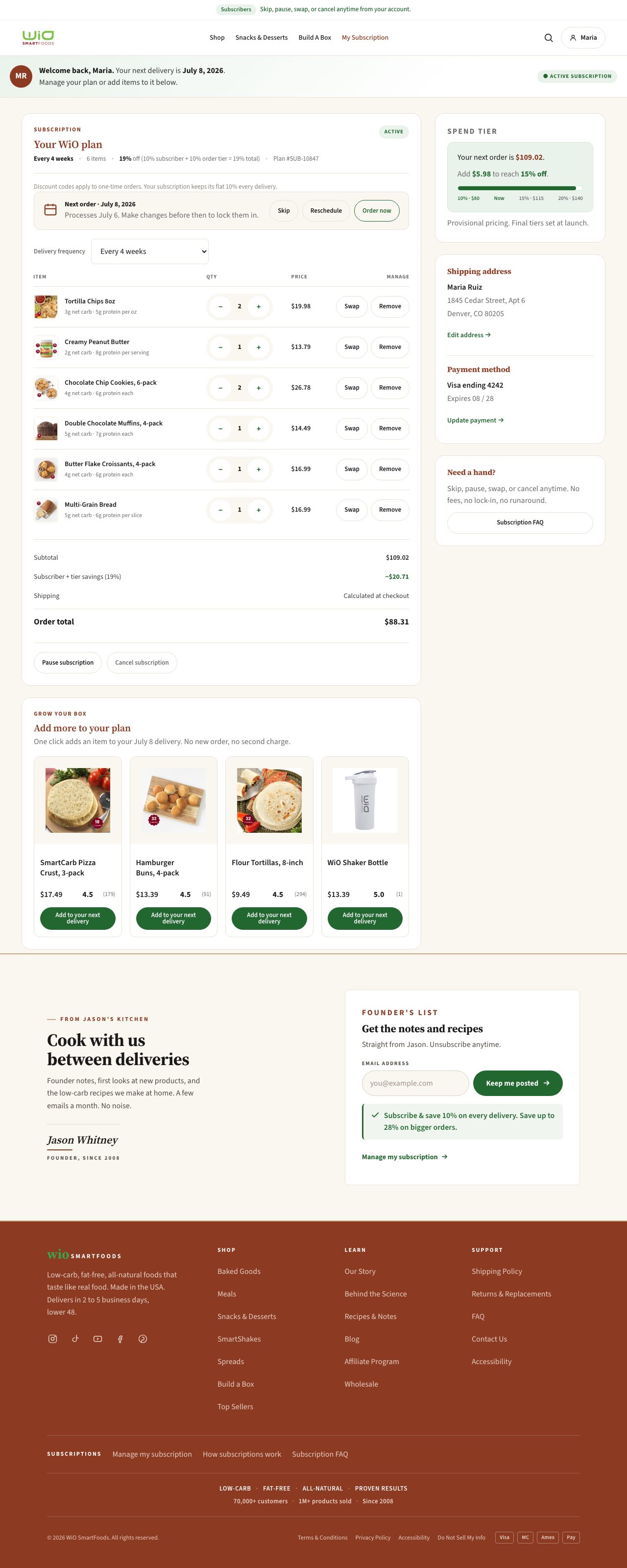
Subscriber Portal
Earlier mockup · 2026-07-25The account page a subscriber lands on to manage their subscription.

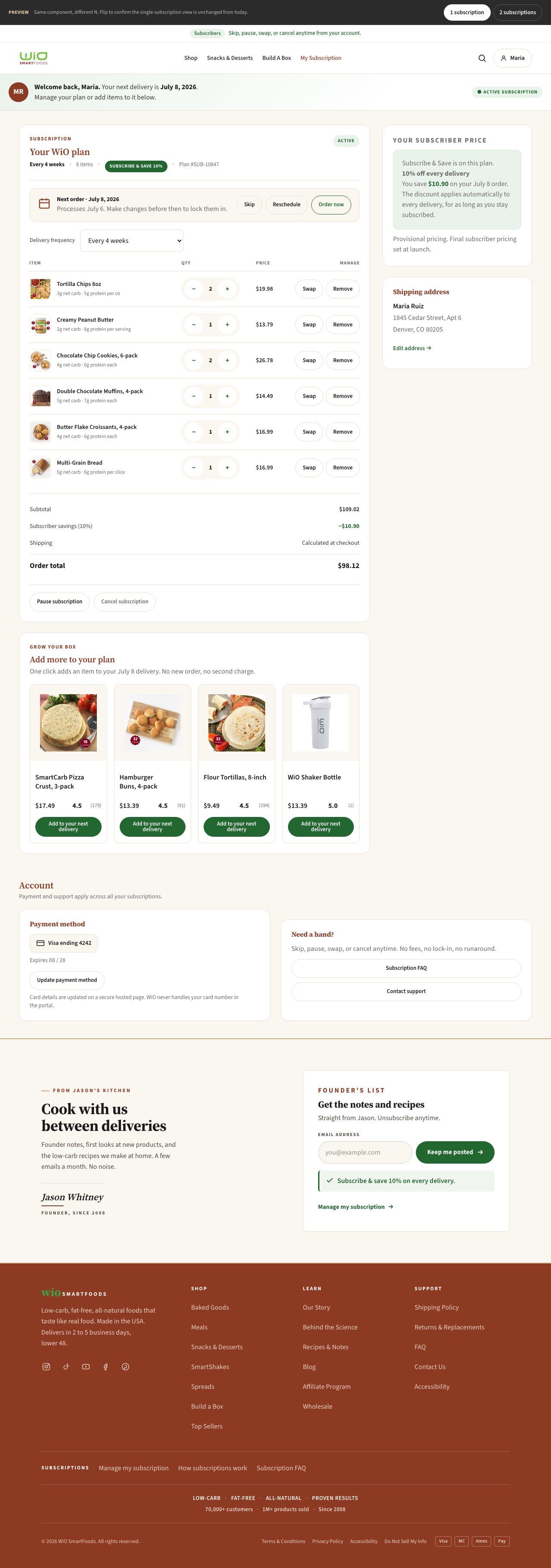
Subscriber Portal v2 (multi-subscription)
Earlier mockup · 2026-07-25The same portal for a customer managing more than one subscription at once.

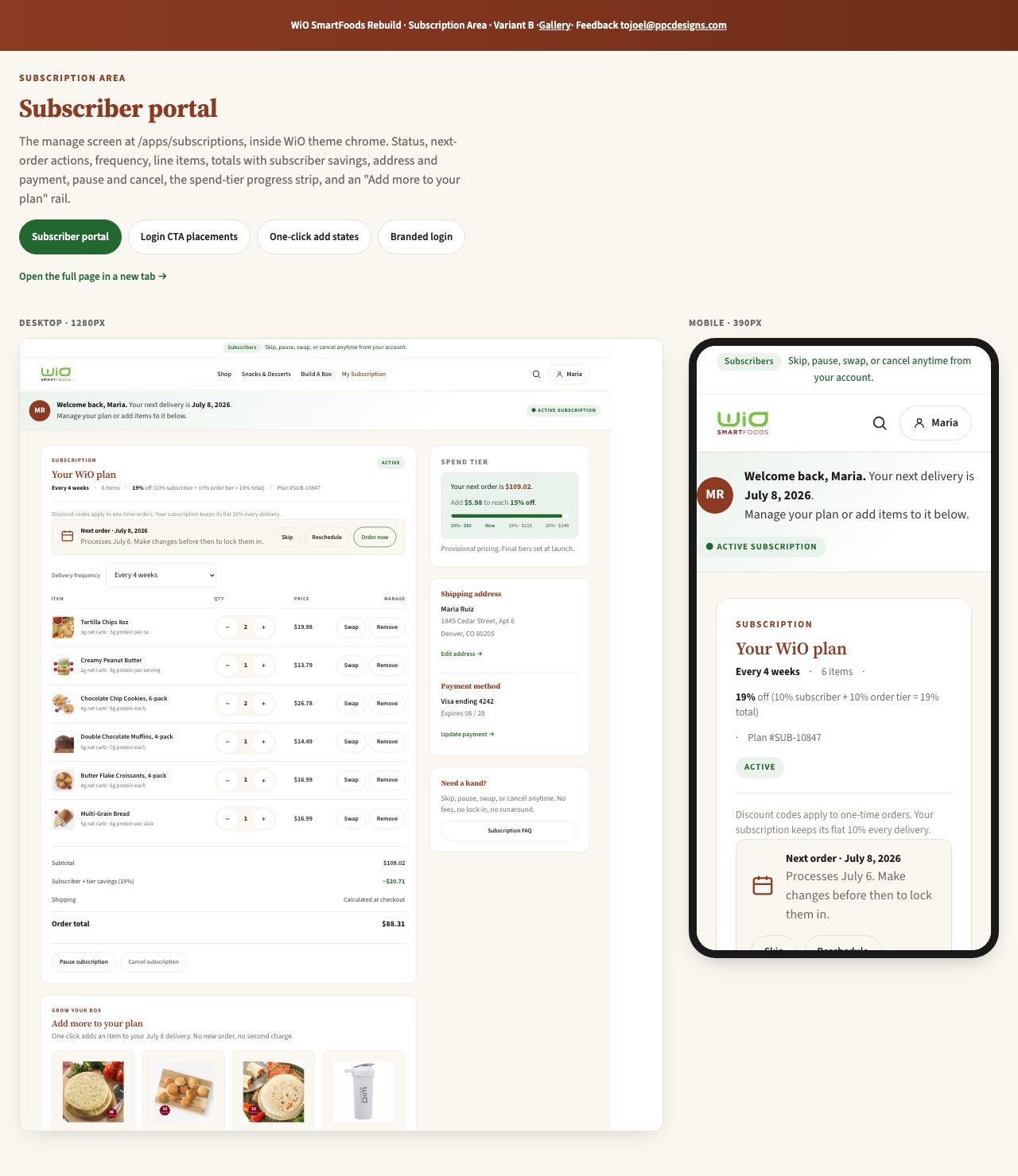
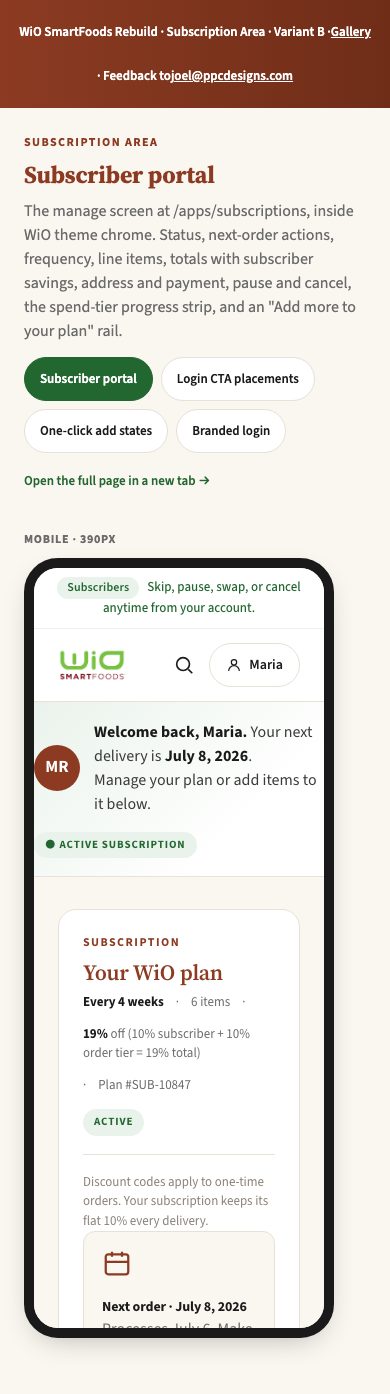
Subscription area viewer
Earlier mockup · 2026-07-25A desktop and mobile side-by-side viewer of the subscription area.
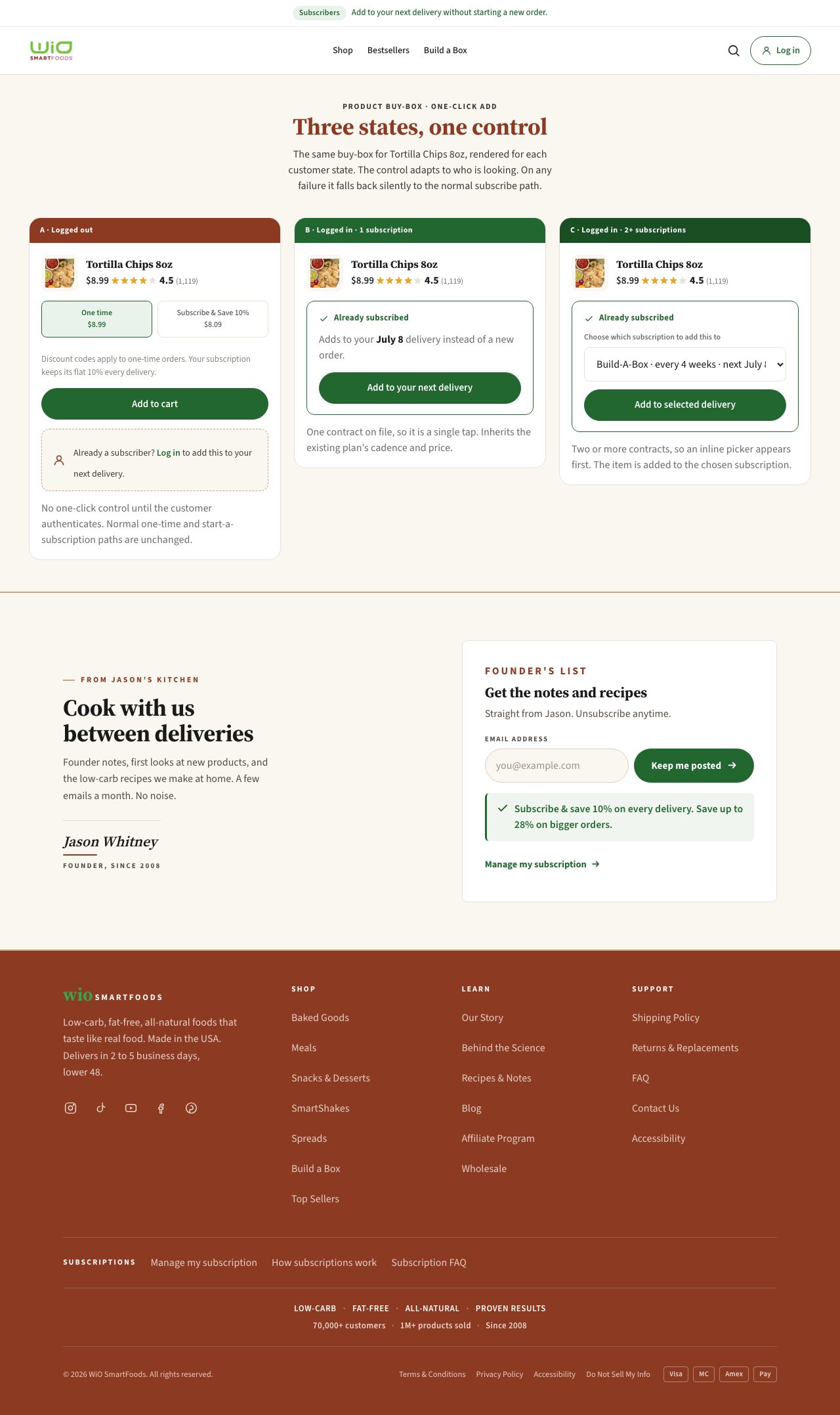
One-click add states
Earlier mockup · 2026-07-25The states for the one-click add-to-subscription control.

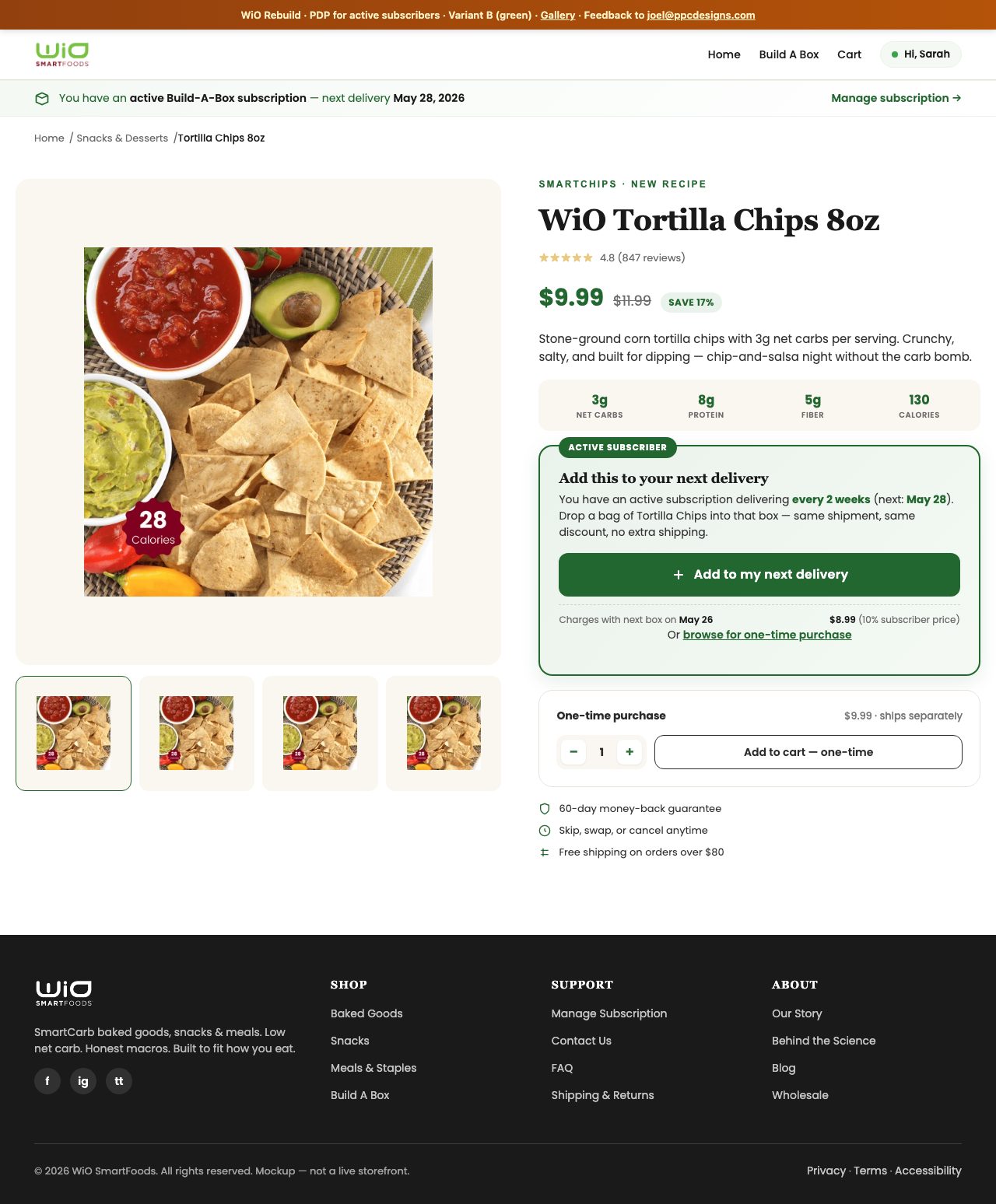
Add to subscription from the product page
Earlier mockup · 2026-07-25Adding a product to an existing subscription from its product page.

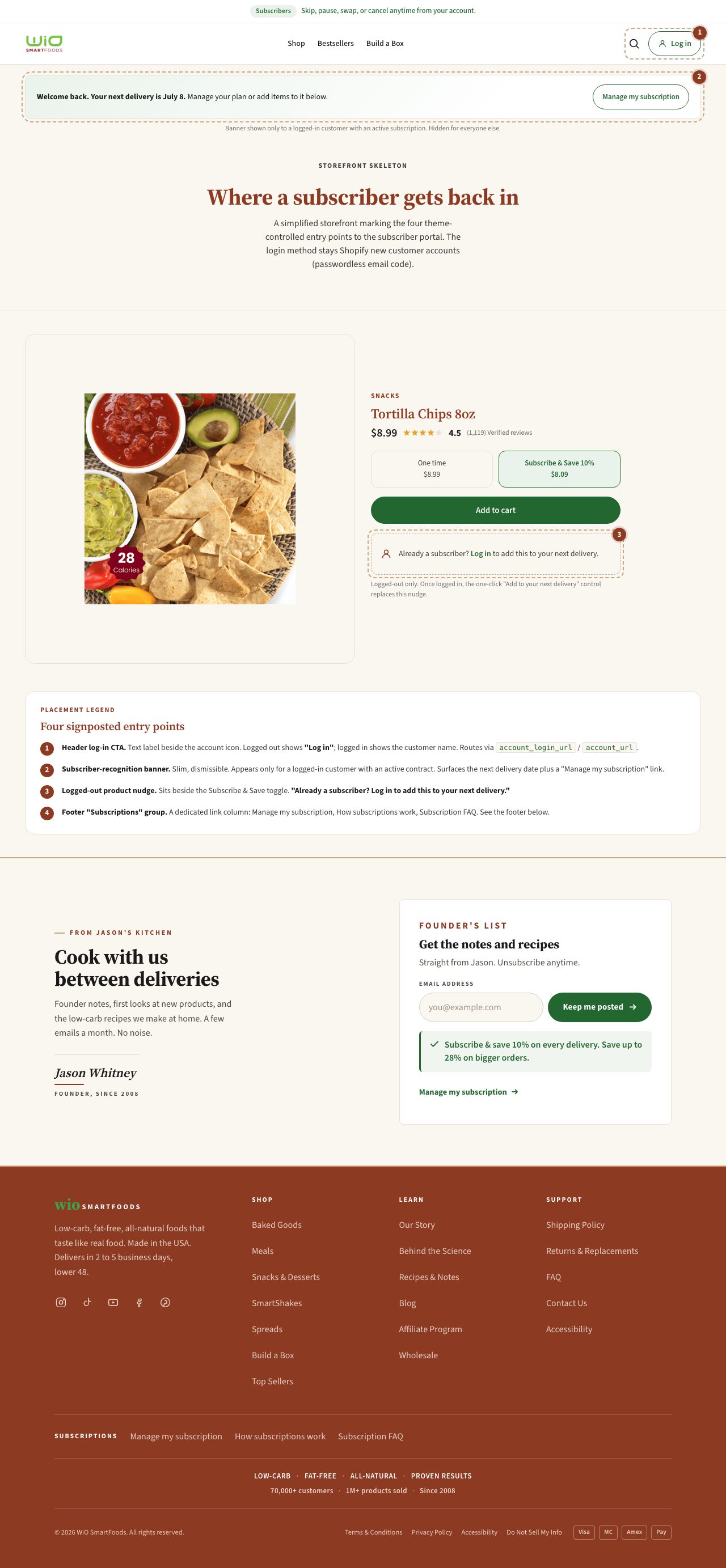
Login button placements
Earlier mockup · 2026-07-25Where the login button can sit across the site's header and pages.

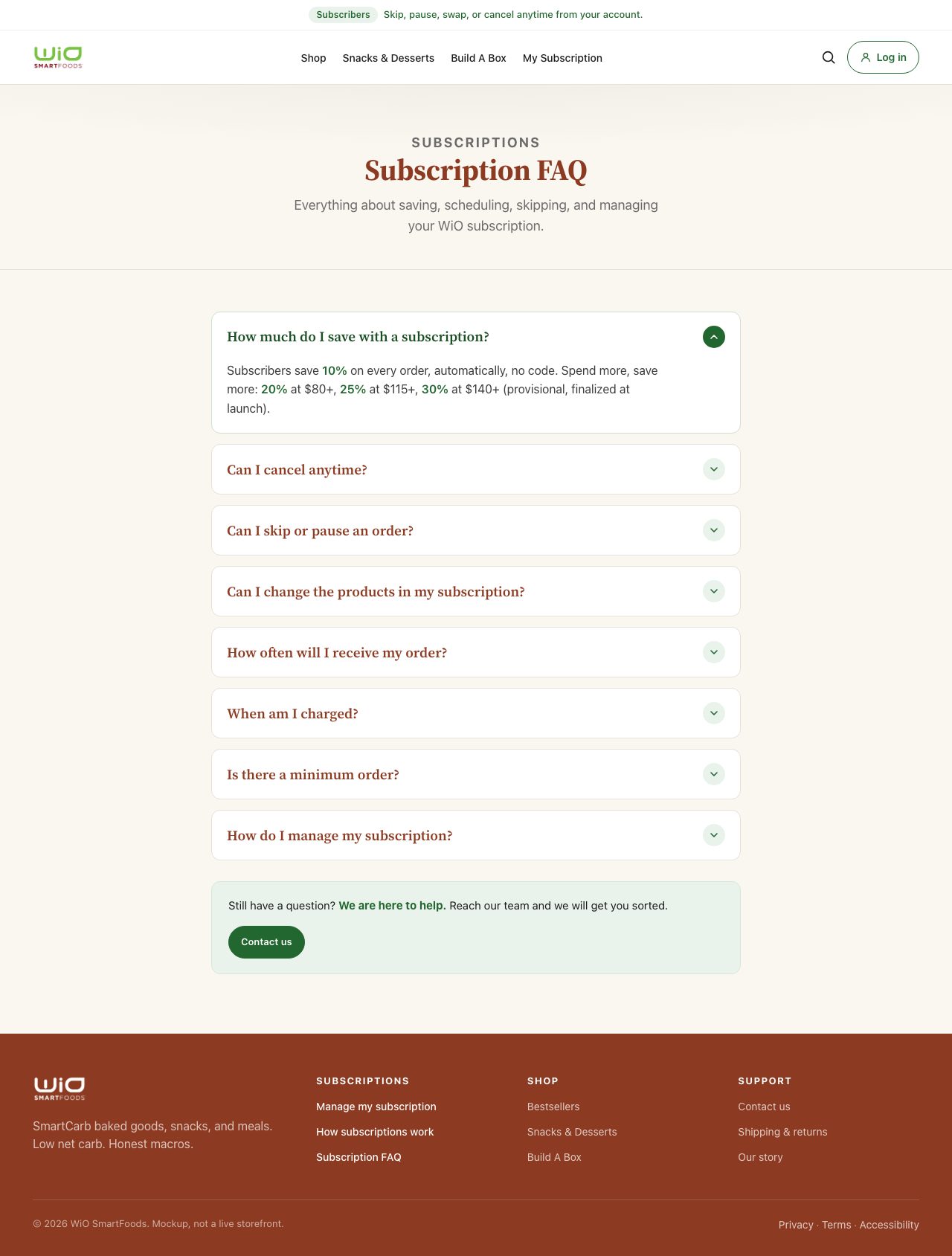
Subscription FAQ
Earlier mockup · 2026-09-02Frequently asked questions about saving, scheduling, skipping, and managing a subscription.

Cart and checkout
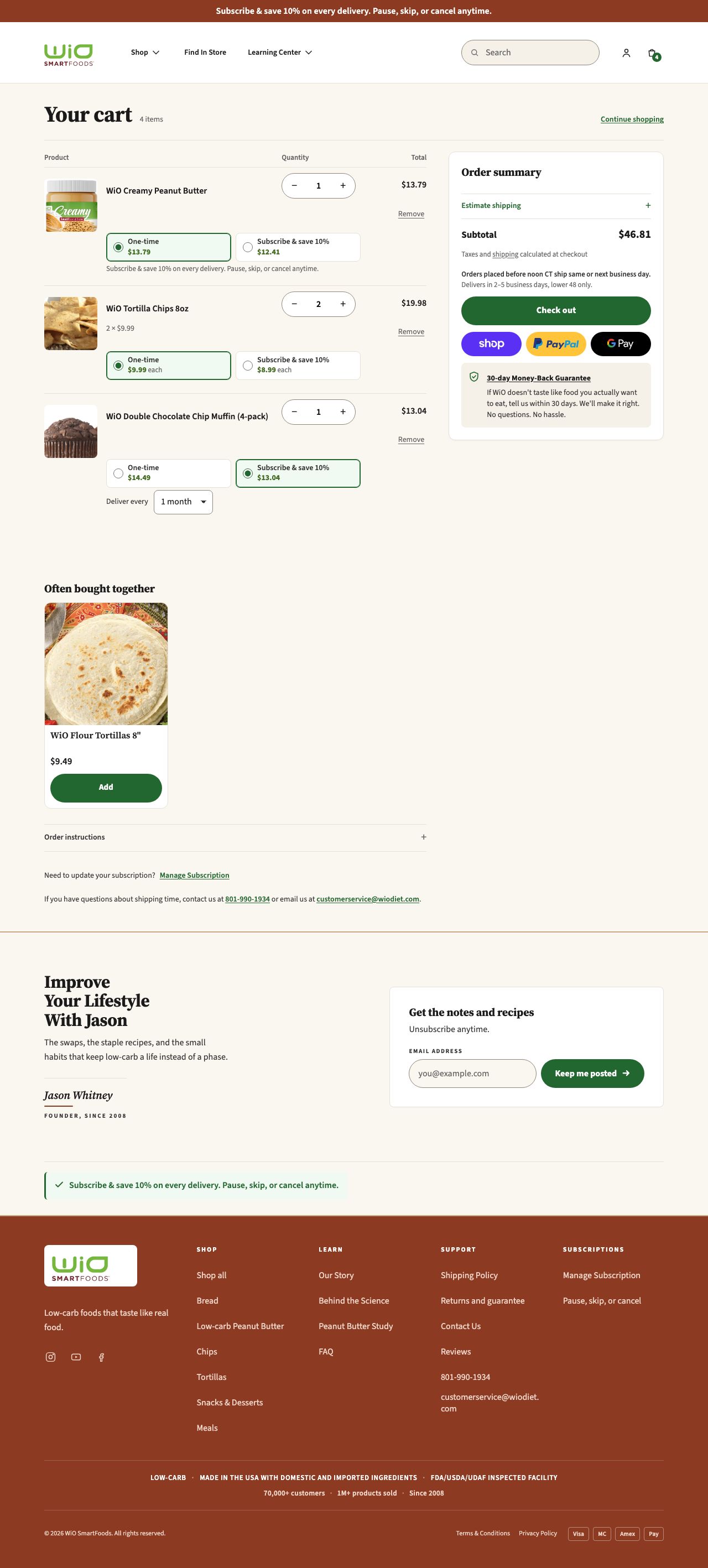
Cart page
Design draft, completeUpdated 31 OctThe full cart page, redesigned to match the rest of the new site.

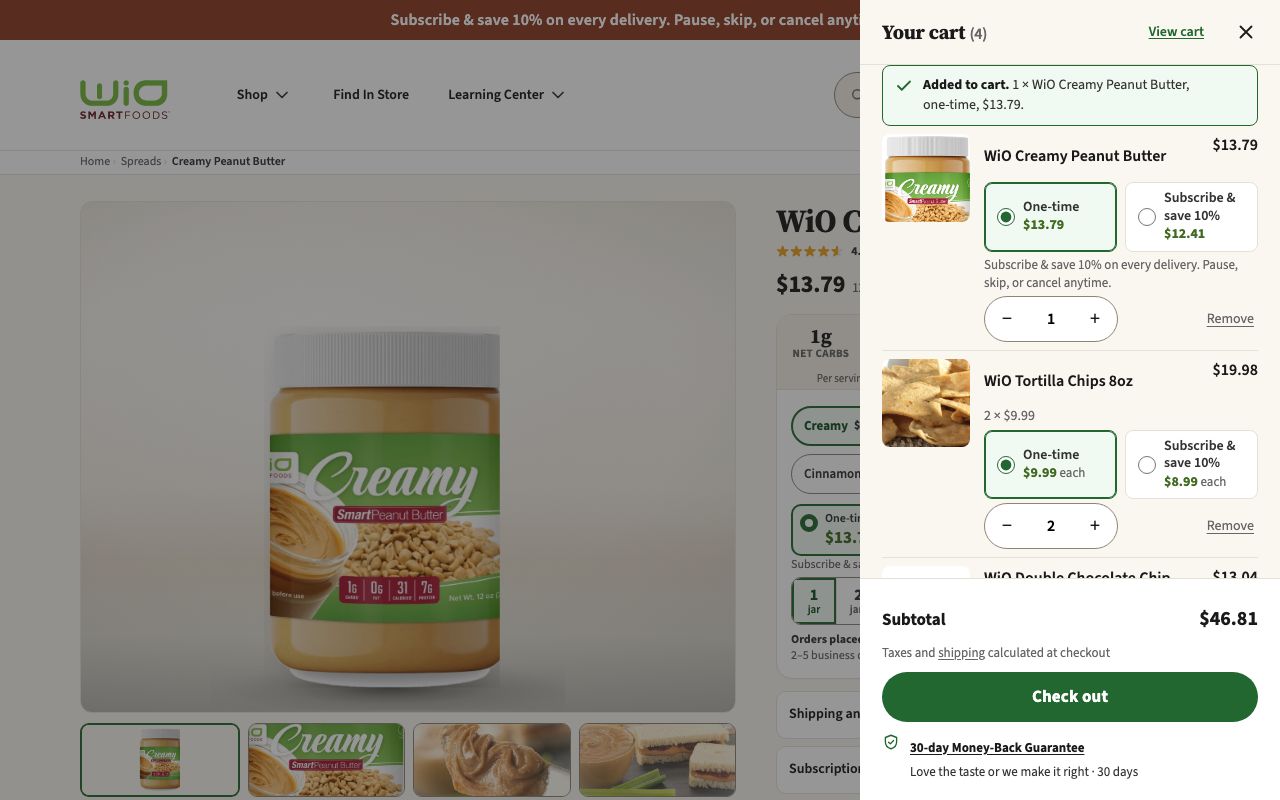
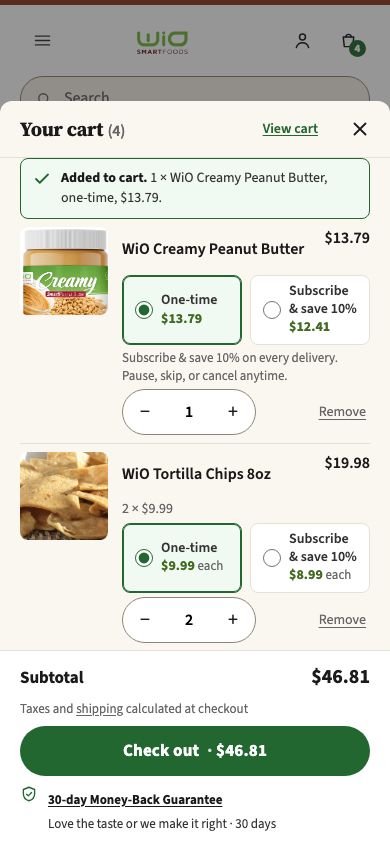
Cart drawer
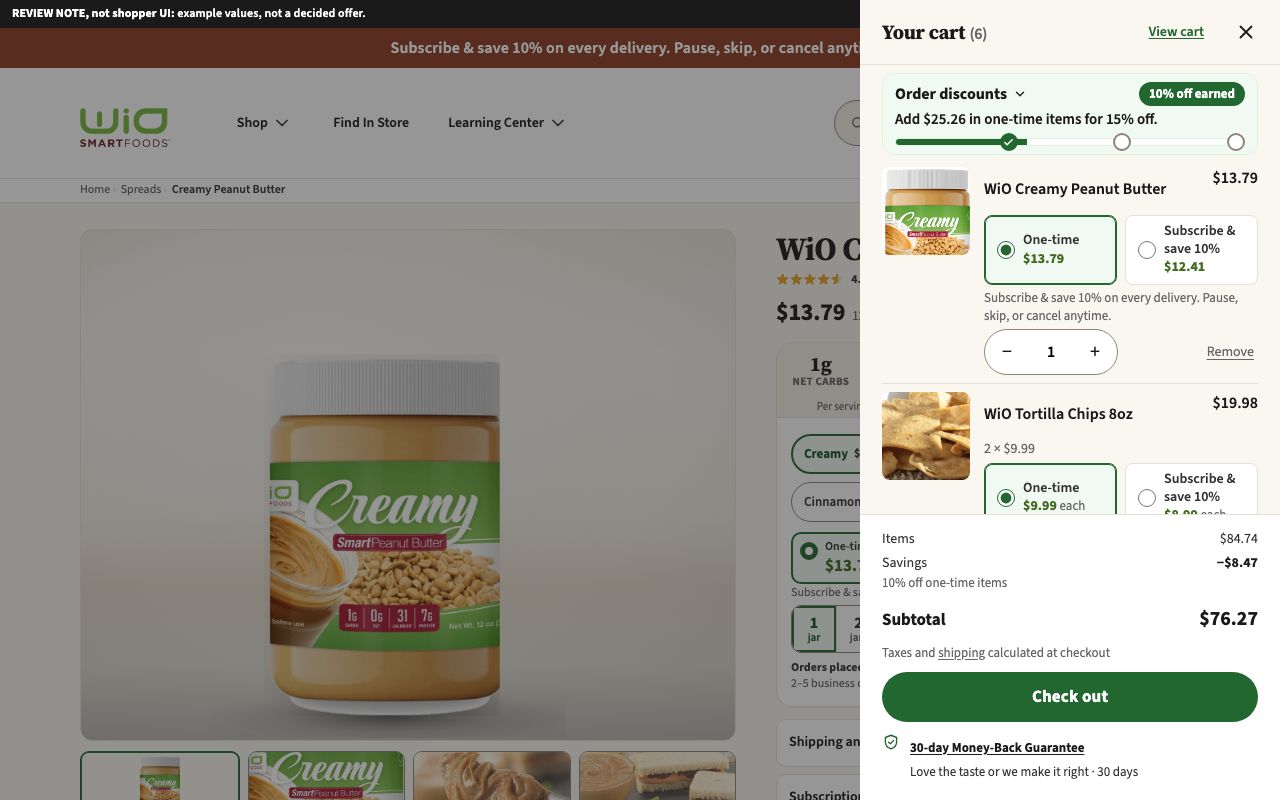
Design draft, completeUpdated 1 NovThe slide-out cart that opens when an item is added, redesigned to match the rest of the new site. Updated 1 Nov with tighter rows: the same items, prices, plan choices and buttons with less space between them, so almost two items show on a phone. Check out stays where it was. The link opens the drawer just after an item is added.
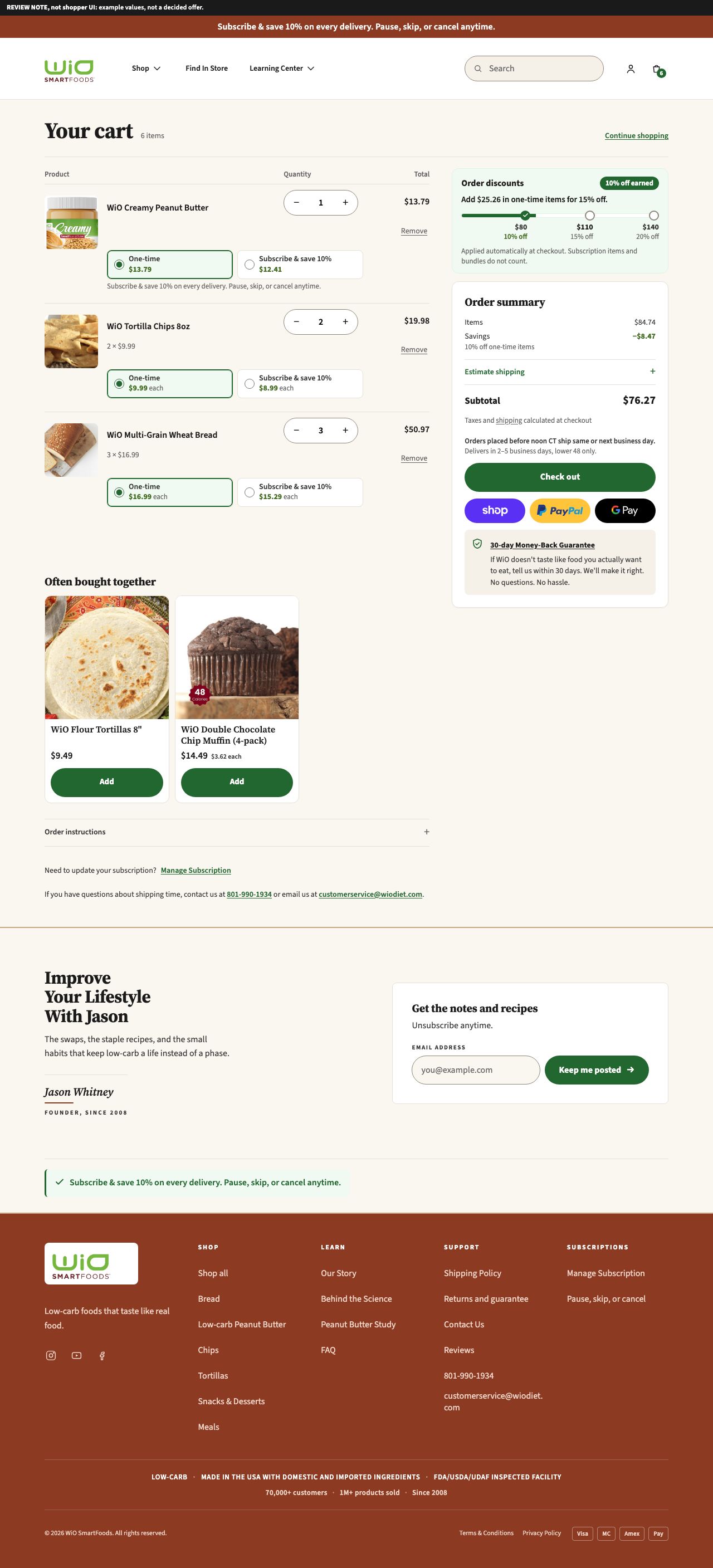
Cart page and cart drawer, ladder versions
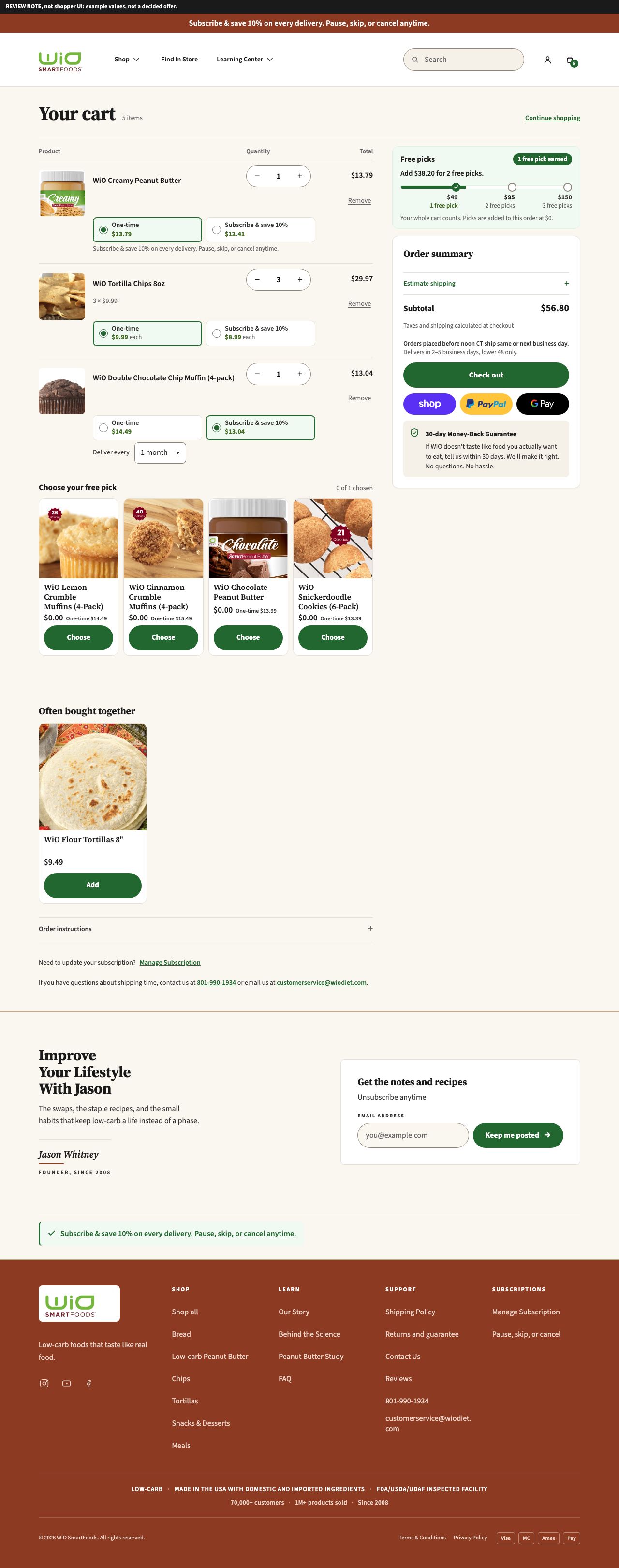
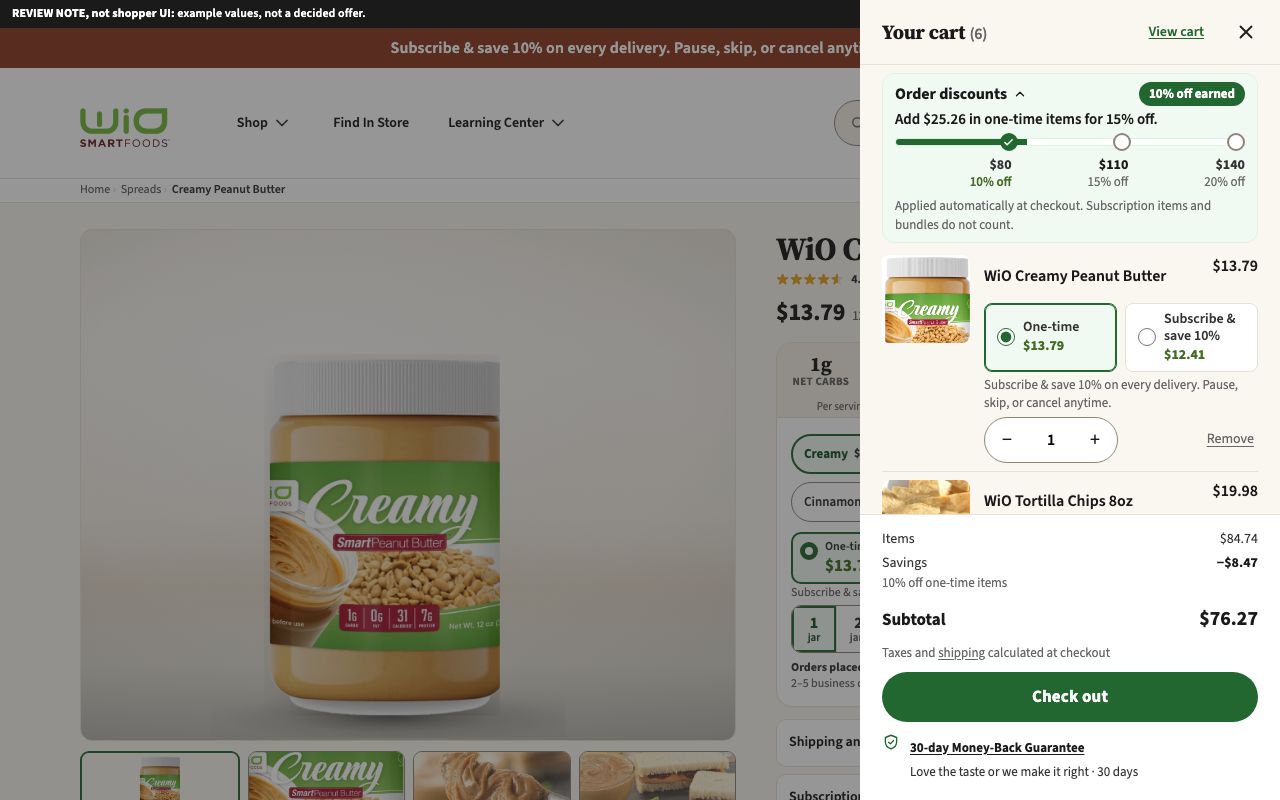
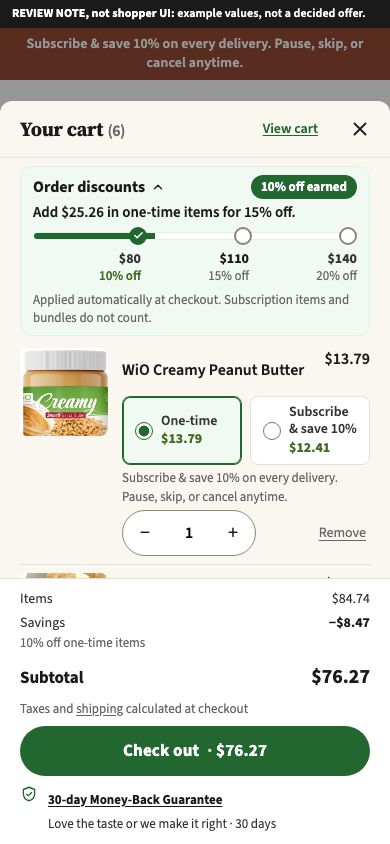
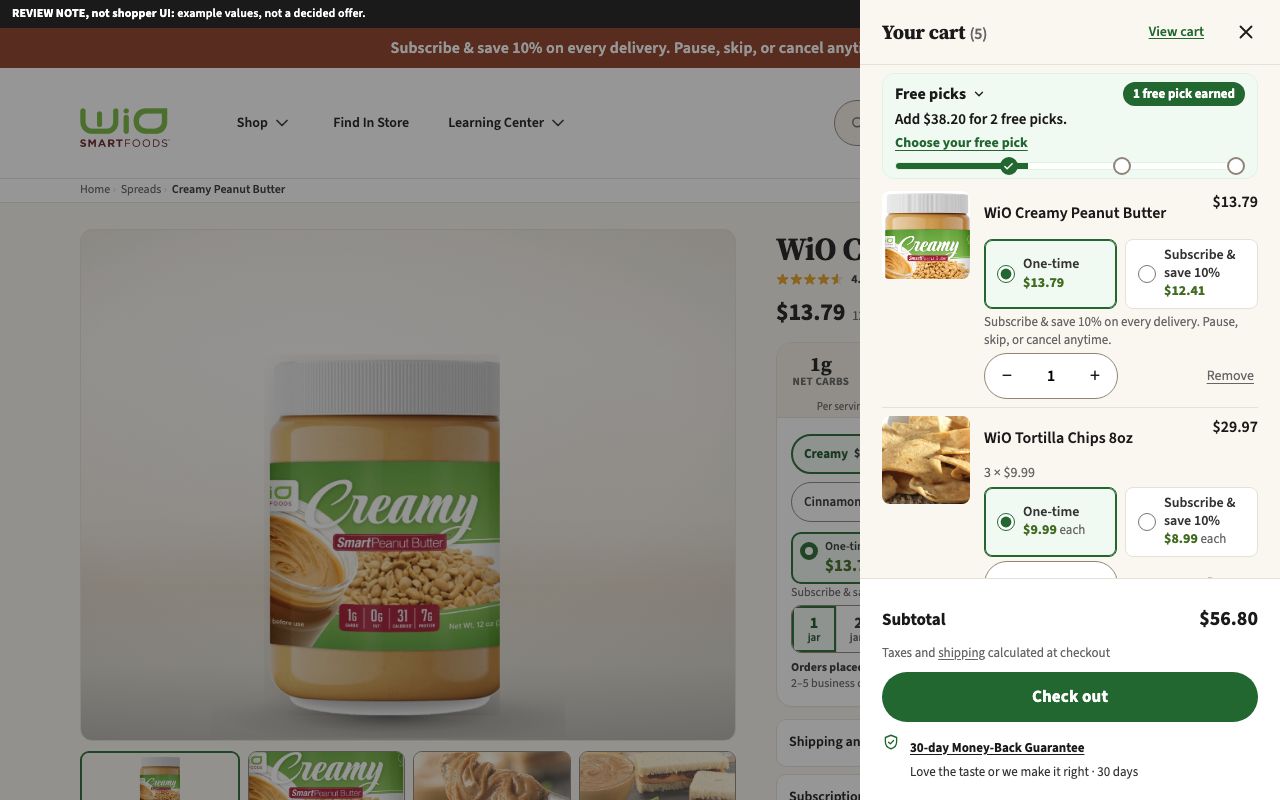
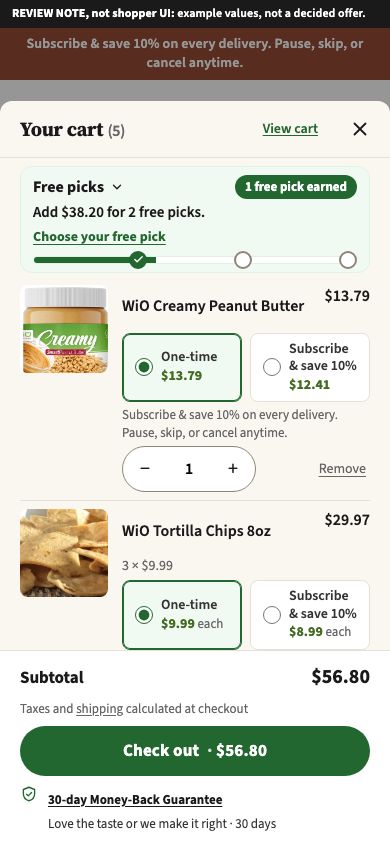
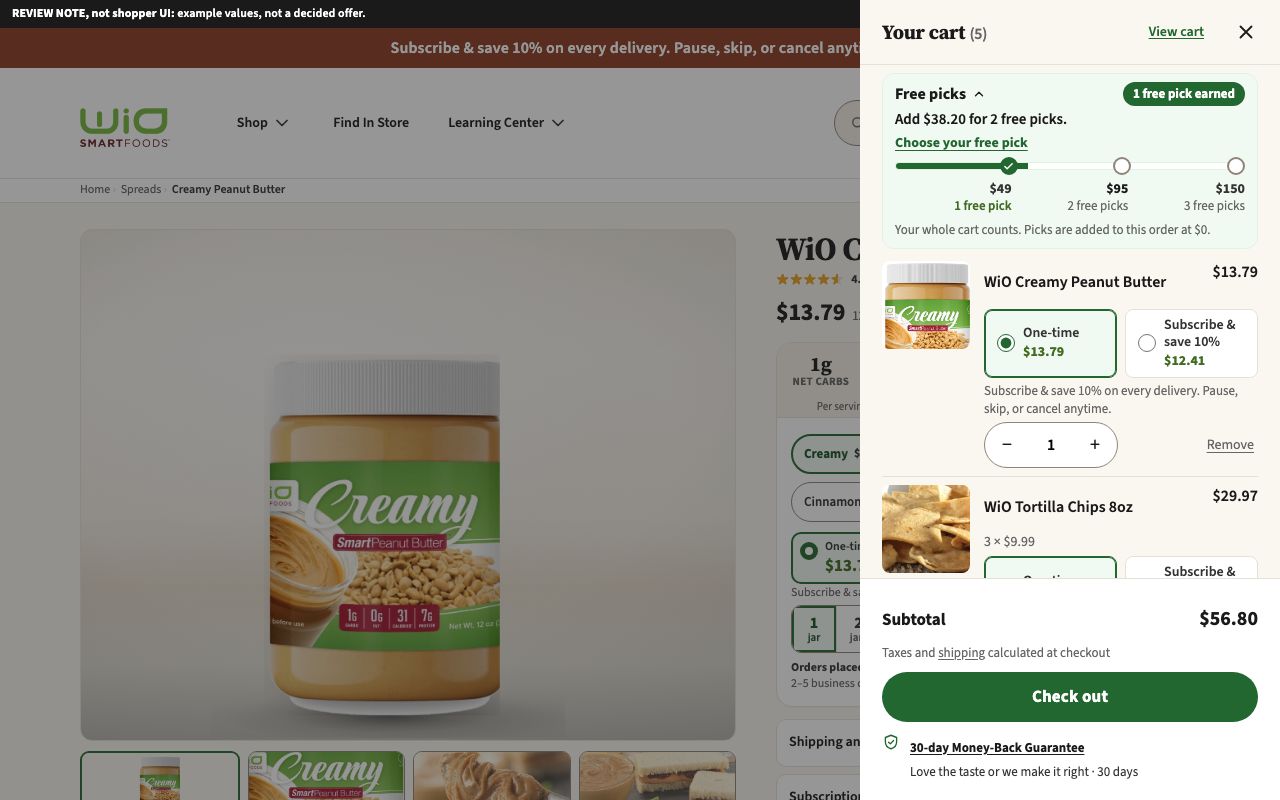
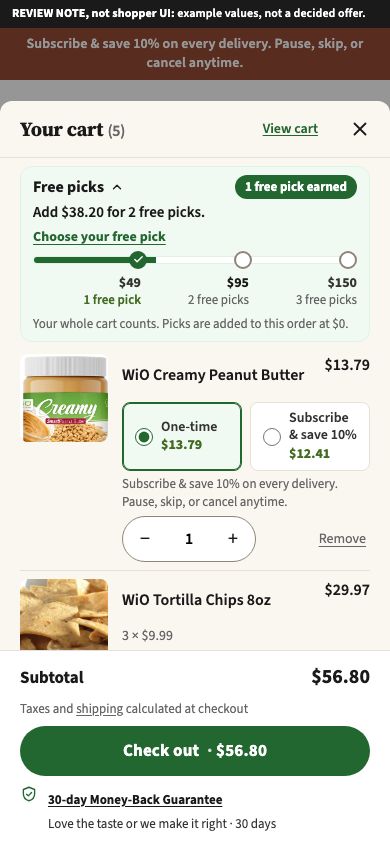
Example values, not a decided offerNew 1 NovThe cart page and cart drawer with a ladder that rewards reaching a cart value, in two versions. Discount ladder: example tiers $80, $110 and $140 for 10%, 15% and 20% off one-time items. Free-food ladder: example tiers $49, $95 and $150 for 1, 2 and 3 free picks from four shelf-stable items. The numbers are examples. Each view opens on a cart between tiers; add ?state=below, ?state=top or ?state=empty to the address (free-food also ?state=picked). In the two drawer views the ladder is compact: tap the ladder title to see the tiers. The cart page and cart drawer cards above show the pages without a ladder.
Cart page, discount ladder

Cart page, free-food ladder

Cart drawer, discount ladder
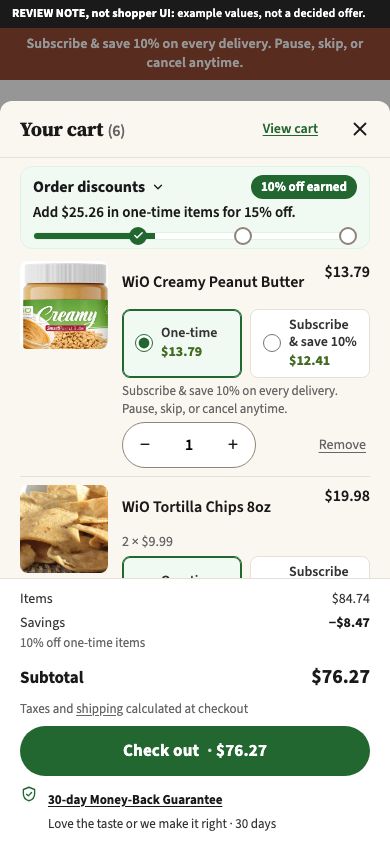
Cart drawer, discount ladder, tiers opened
Cart drawer, free-food ladder
Cart drawer, free-food ladder, tiers opened
Not drafted yet
No design draft and nothing built in the new theme yet for these page types:
- Account pages
- FAQ
- Contact
- Shipping and returns
- Where to buy
- About
- Smart Rewards
- Learning Center
- Blog and article pages
- The other seven bundle pages (Staples Starter is the only one drafted so far)
- Checkout and order confirmation (a wireframe from May exists; no design yet)
The subscriber portal has a current design draft and earlier mockups from July and September, in the two Subscription management groups.